Daily use
On/off, dimming, scenes, floor plan, schedules — for people operating the space.
A lighting control interface (compatible with IEC 62386 / DALI systems) built for project sites — so owners, designers, and contractors share one clear view of brightness and mood.

Connect
Connect to the head unit on the project network. Owners and crews see the same control UI.
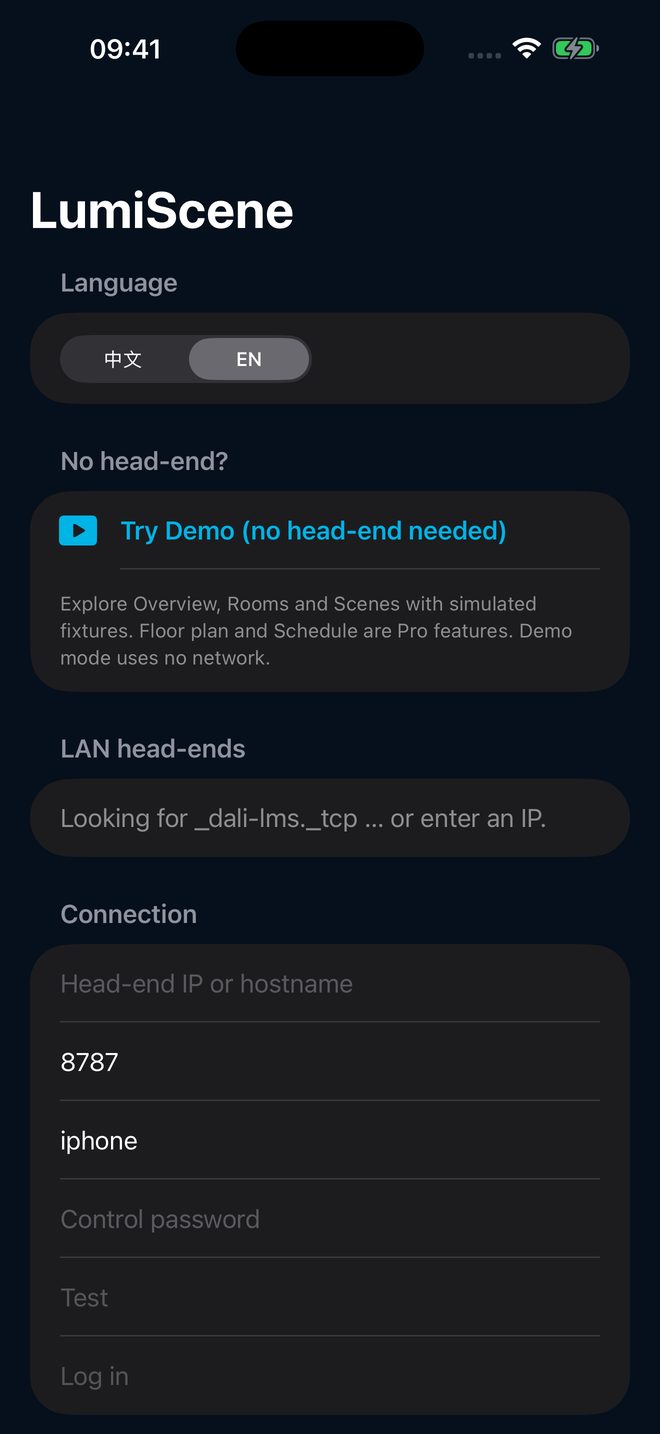
Overview
Open the app and see live fixture status — on, dim, off — without walking the electrical room to guess.
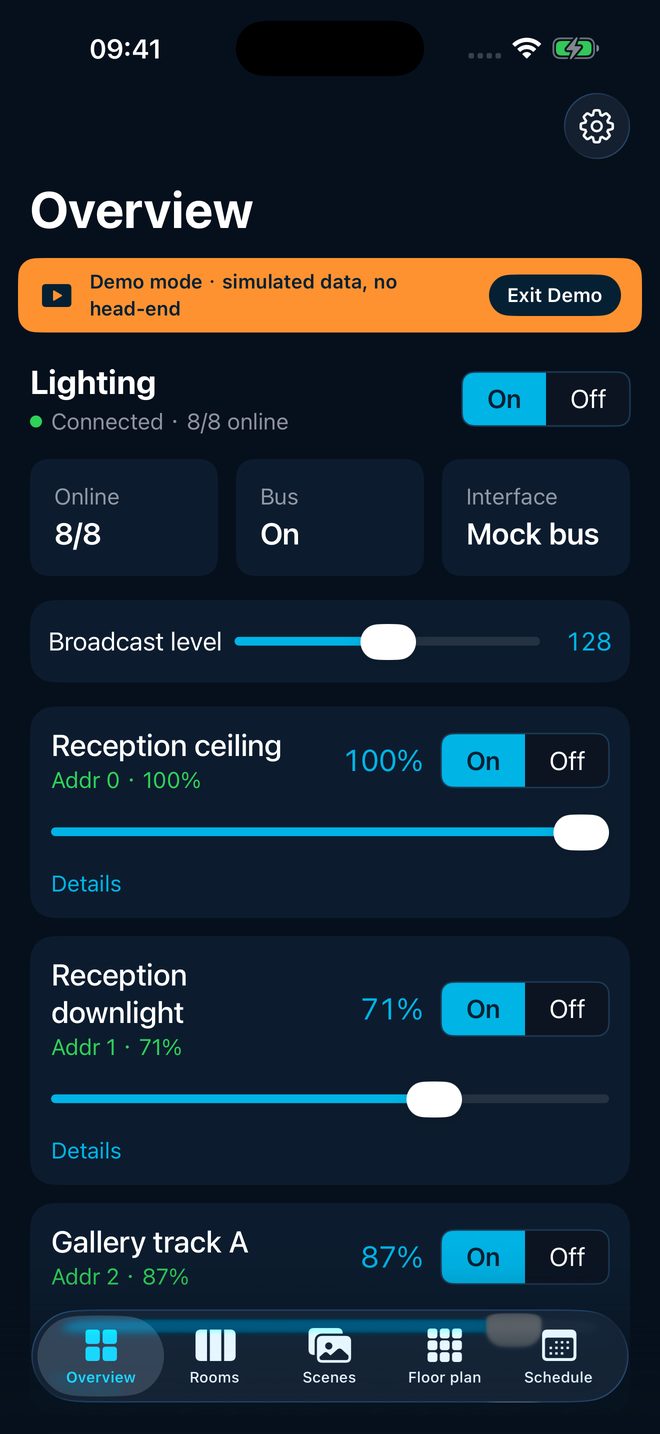
Room groups
Group lights by room or floor. Adjust one zone without pulling another — briefings and circulation stay clear.
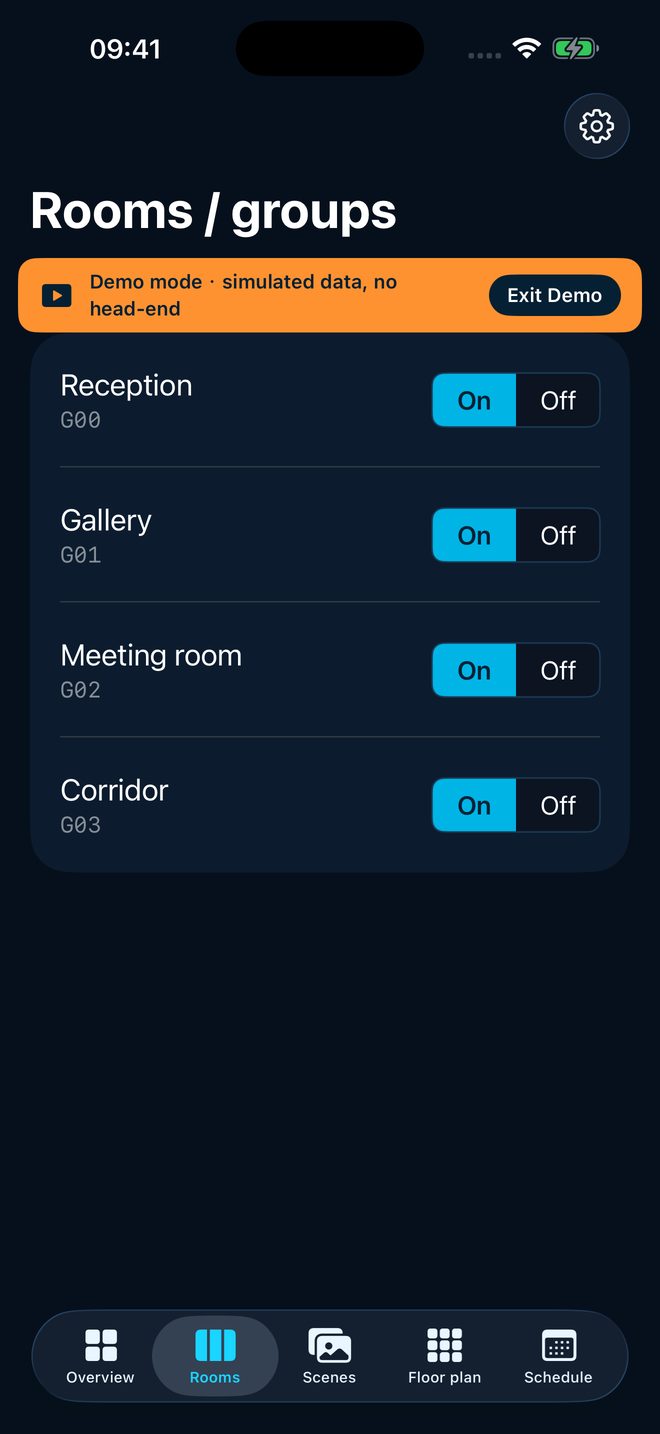
Scenes
Save common brightness sets as scenes. Arrival, presentation, and departure — one tap instead of calling out levels on site.
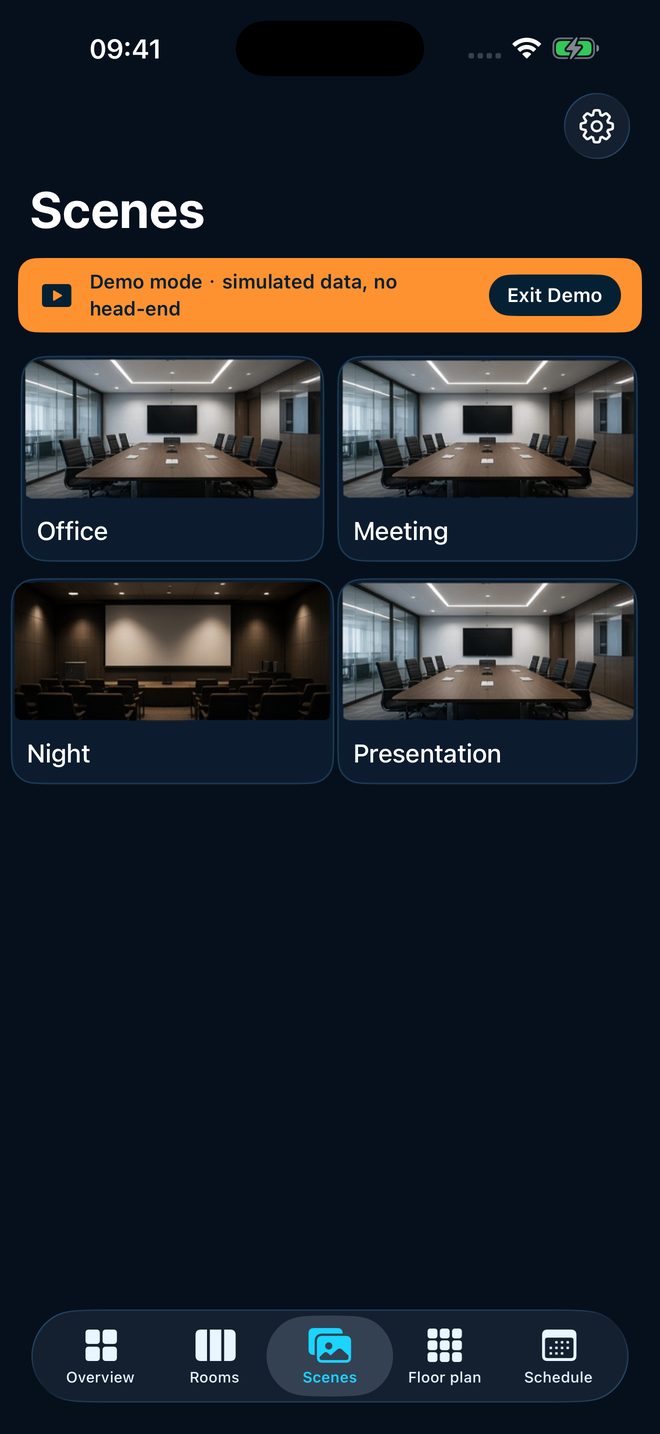
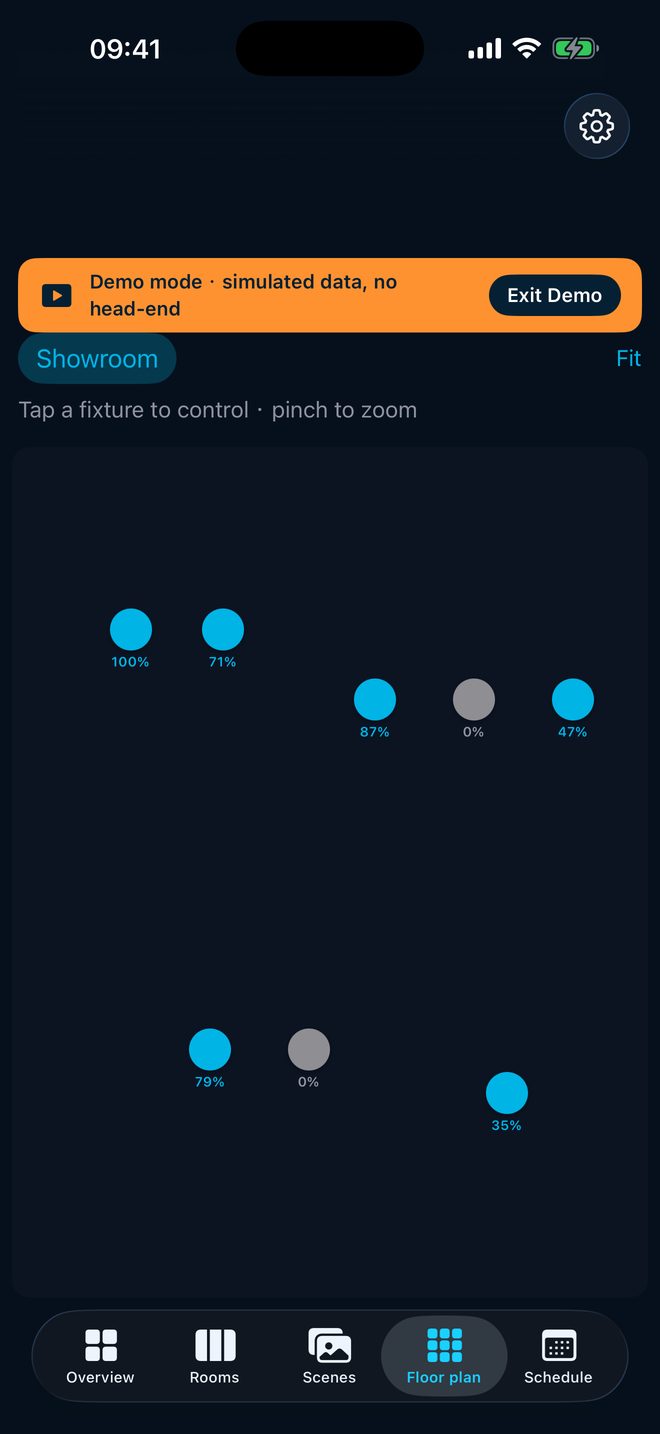
Floor plan
Select fixtures or zones on the site plan. Everyone looks at the same drawing, not an abstract address list.
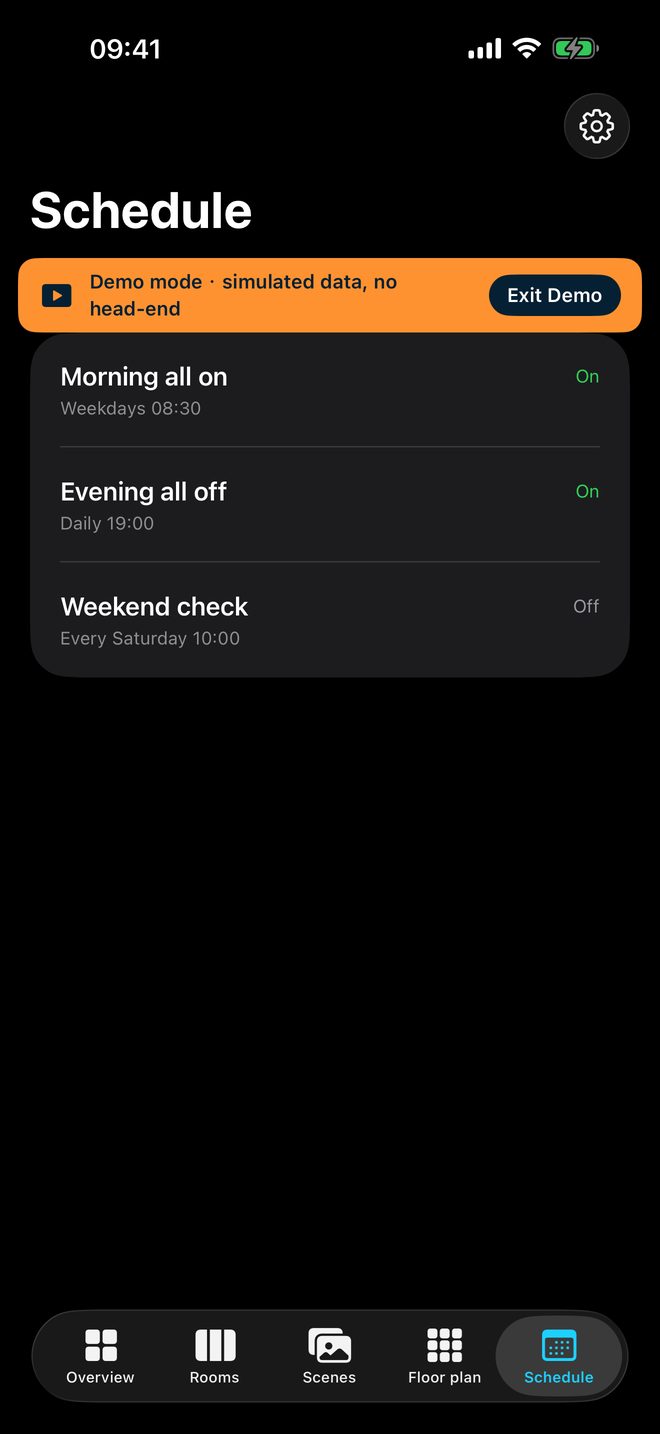
Schedule
Pre-set levels for work hours, breaks, closing, or events — fewer forgotten lights and last-minute shout-outs.
No cloud
Runs on the project network. No external cloud account for day-to-day control — easier security and handover stories.
Who it is for
Built for offices, galleries, education, and civic projects that need clear lighting handoff and plan-based acceptance.
On/off, dimming, scenes, floor plan, schedules — for people operating the space.
The Mac version is self-contained (no separate head-unit computer); DALI interface hardware follows project scope; the iPhone app is via the App Store.
Compatibility & getting started
Aligned with common DALI project setups. For demos or rollout, contact us and we will scope from site conditions.
Tel +886-2-2250-0629 · Line @052ngnup